Companies
List view
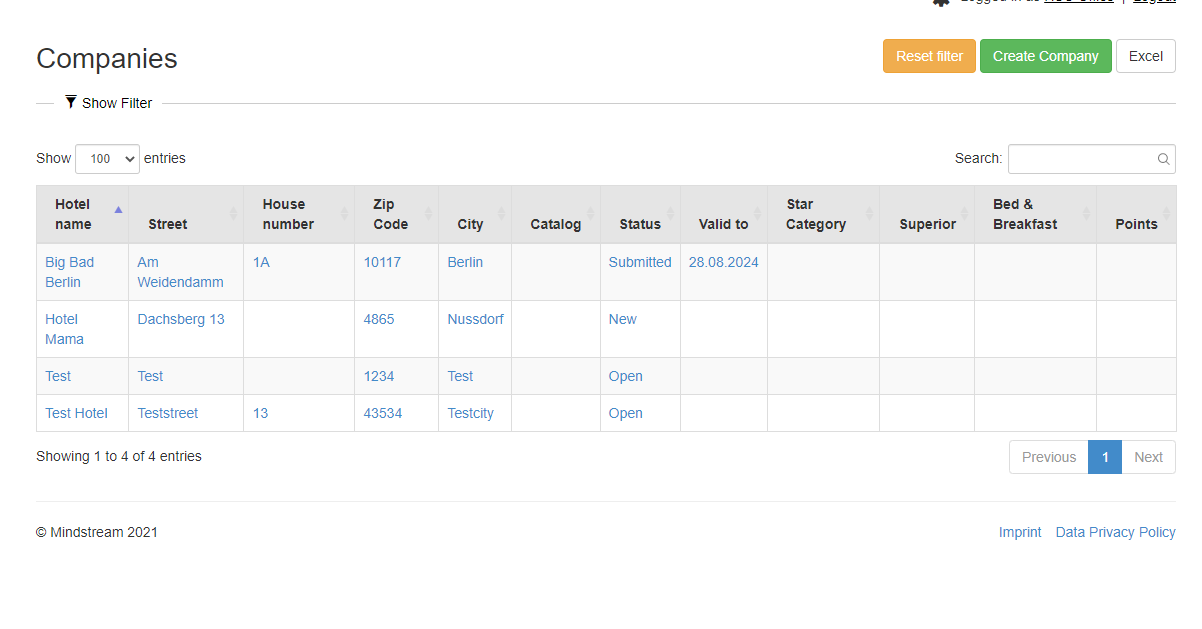
The list view shows all establishments regardless of their status. The following restrictions can be made using the filters:
- Text search : Filter by name or location of the company
- Status : Restriction according to a certain status
- Star category: Filtering according to the category 1 to 5 stars
- Expiry date from / to : Restriction according to the expiry date
- Tags : Search for keywords that are stored for the companies
- Create company: save new data of a company
- Excel: Functions are the same as those of the advanced search
It should be noted that the filters are retained until they are reset accordingly.
Create complaints
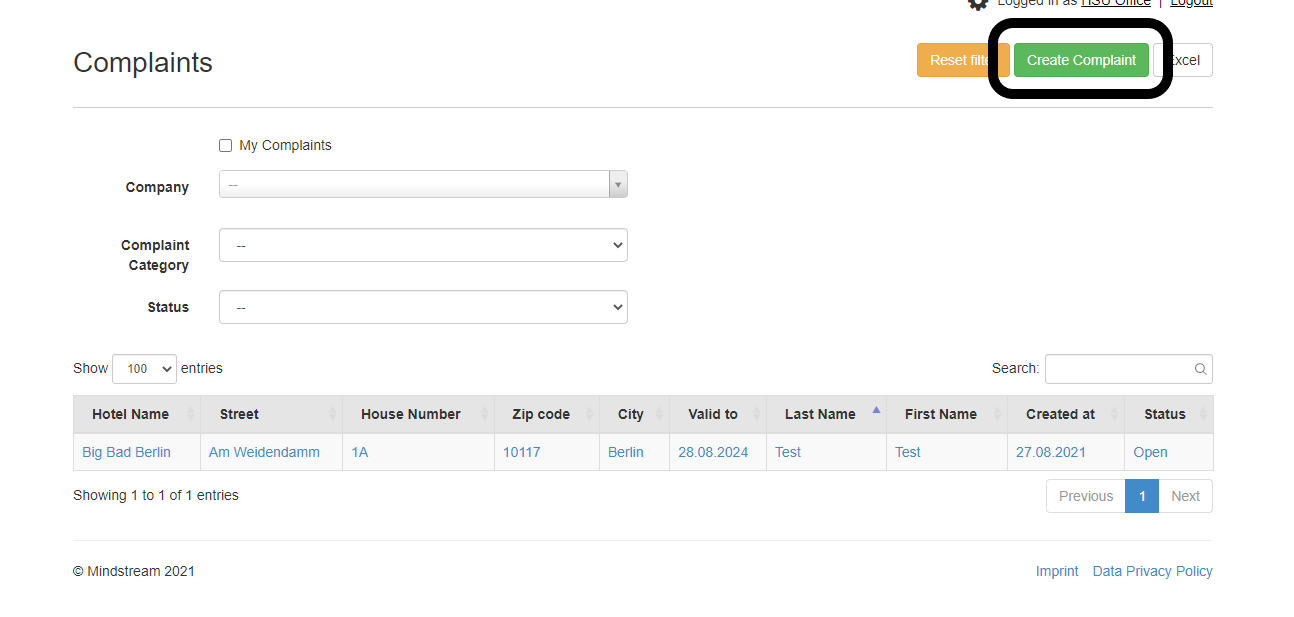
At the company level, new complaints can be created as required. To do this, go to the "Complaints" tab and then click on the "Create complaint" field (see image above).

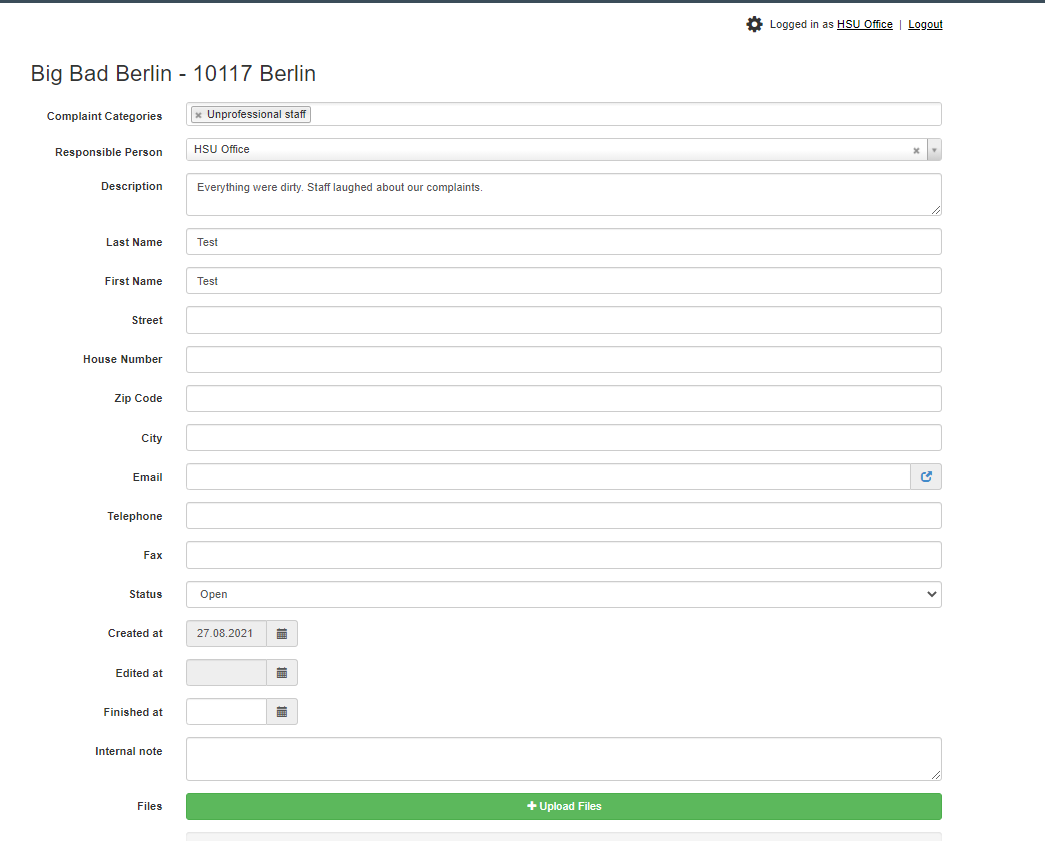
A new page opens, all important data must be entered on the page. This primarily includes the assignment to the relevant federal state via the "Client" field. Then create all the data on the complainant and the content of the complaint. Photos or other documents can be uploaded from the "Files" section. When creating a new complaint, it must first be saved before the function can be used.
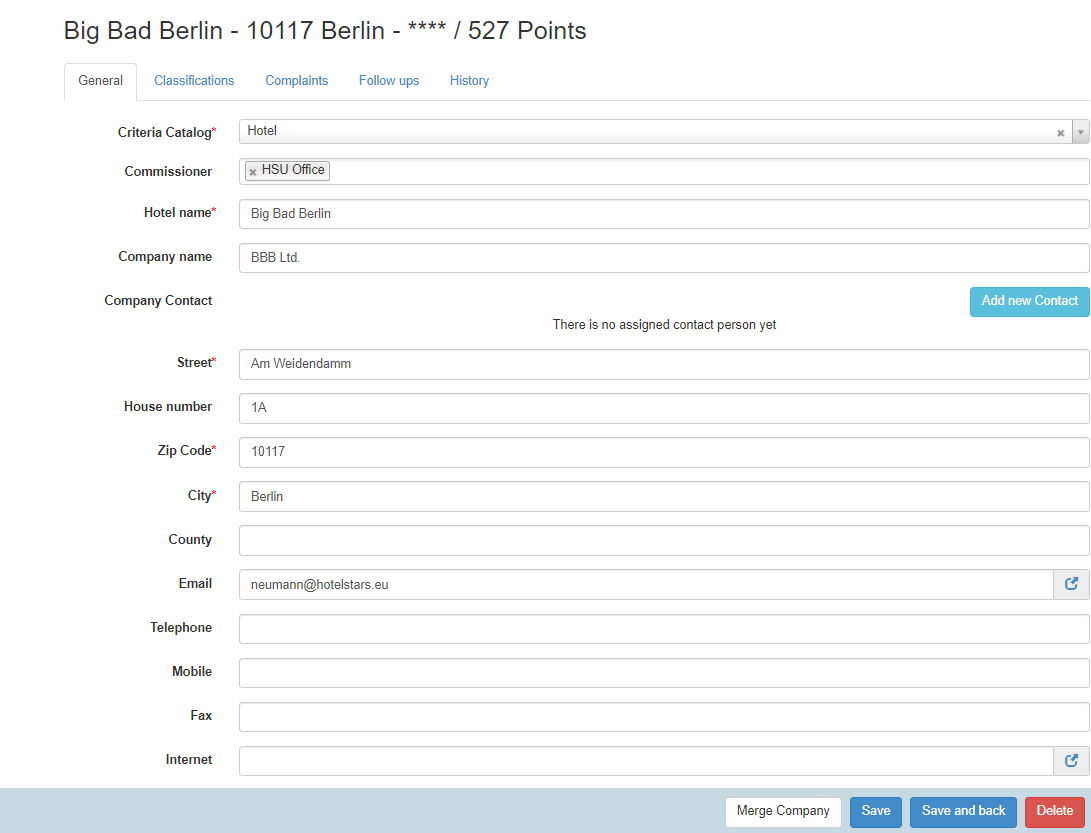
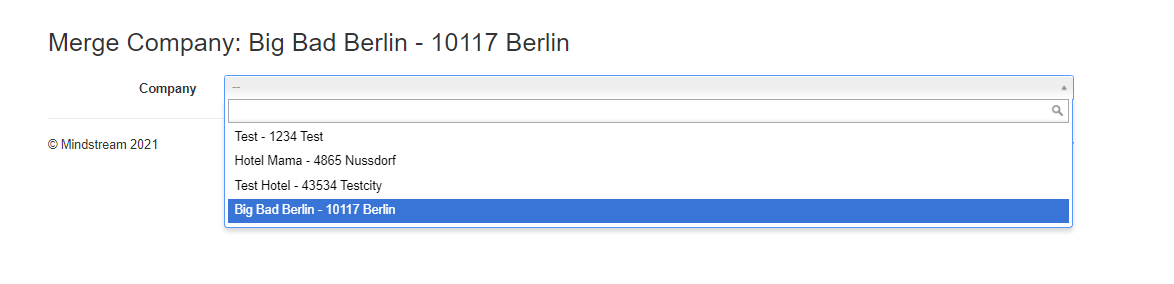
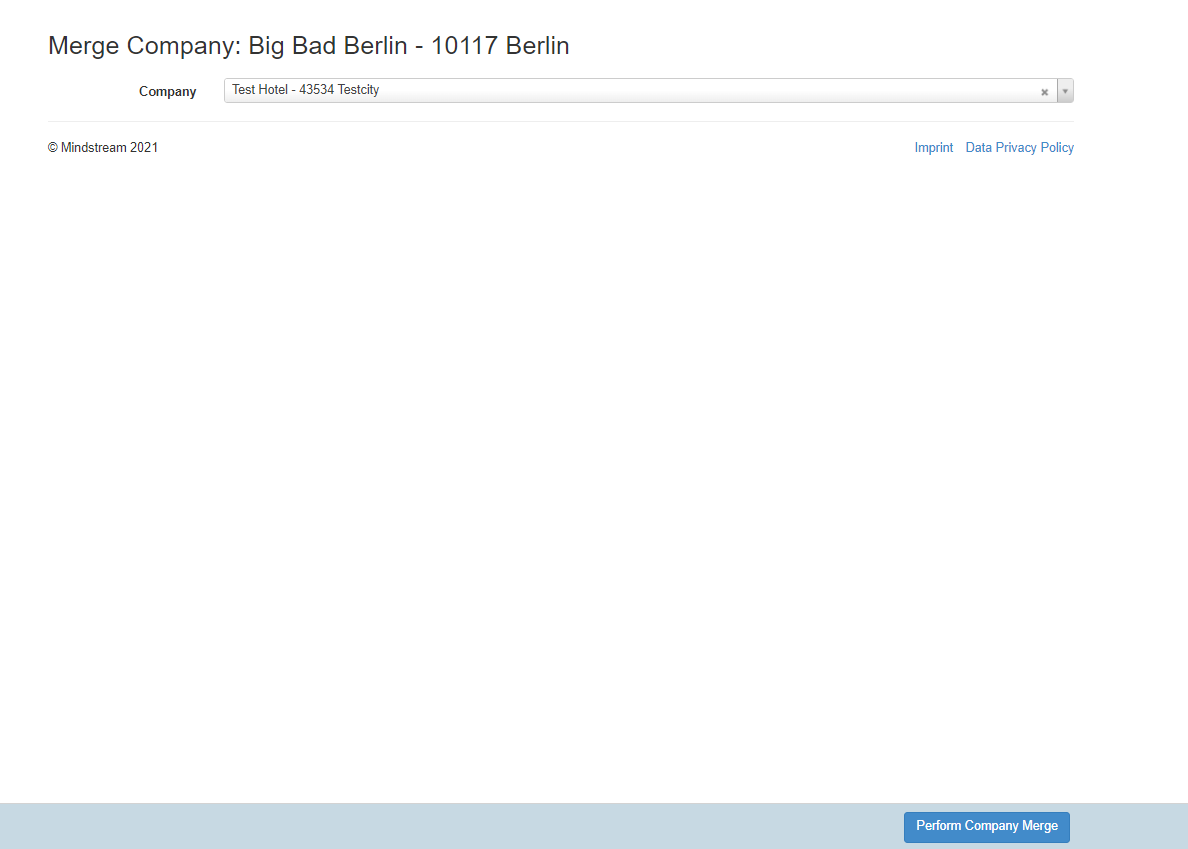
Merge Companies
Companies can be merged in case