User
The introductory chapter goes to all the necessary information about your own account and basic functions for administration.
Registration
Registration is only required for auditors and administrators.
Hotels can access a limited area of the database through a one-time link and do not require any login data.
Login
The registration takes place on the basis of the registered e-mail address in connection with the individually assigned password.
The country is automatically based on the access data.
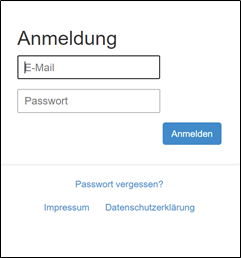
Forgotten Password
The forgotten password application can be used to reset the data accordingly.
By entering the email address, a new password is assigned and sent by email.

My account
The current login is displayed in the header.

There you can go to the "My Account" area. The profile can be managed in this area and a new password can be assigned
Log out
You can log out of the system manually using the following link in the header area:

After logging out, you will return to the registration area. The system also logs out automatically if the user is inactive for a certain period of time.
Clients
Each user is clearly assigned to a country and state. The data are completely separated between the countries.